How Versioning Creates Chaos
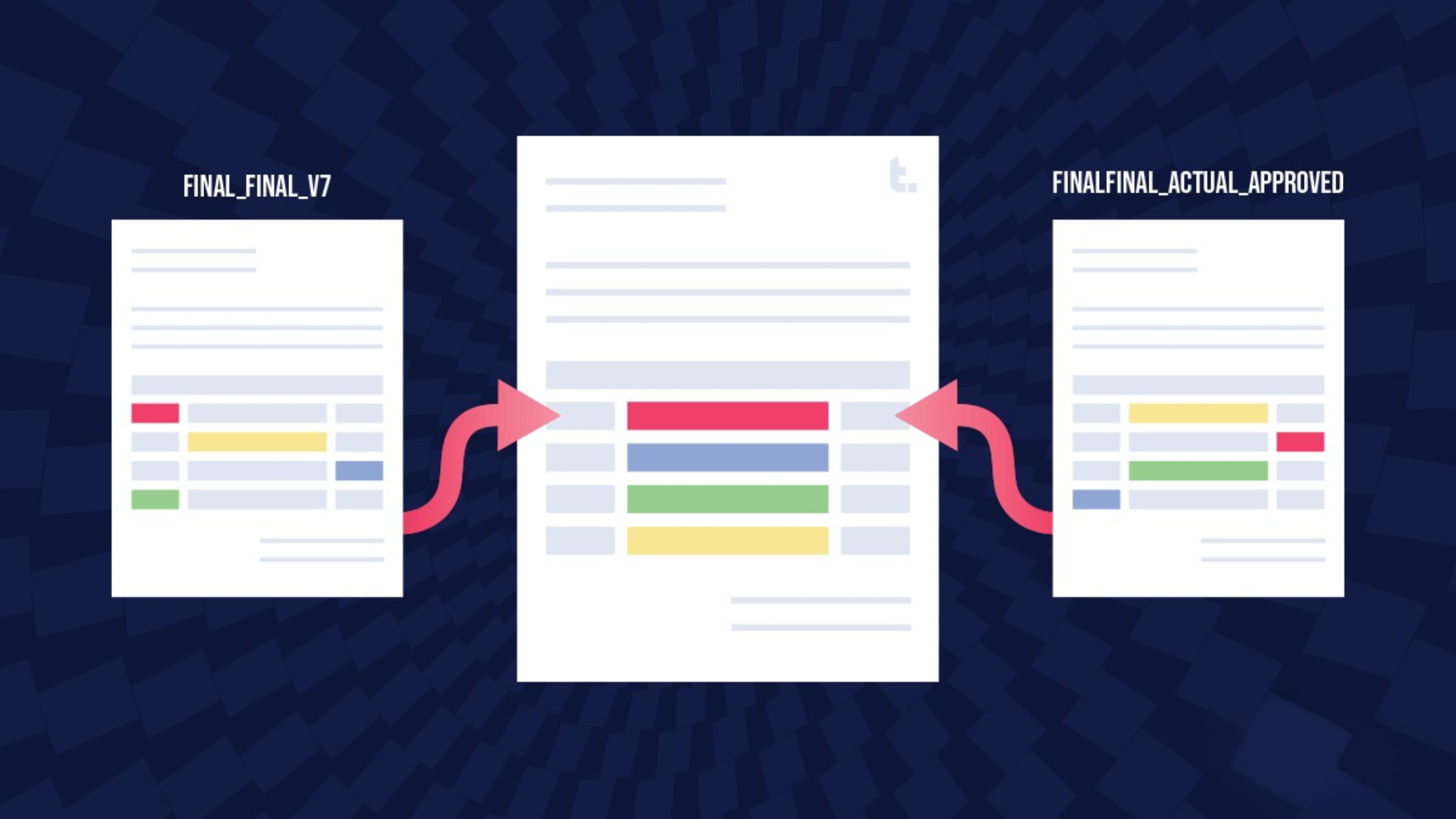
The cause of version chaos isn't a mystery. Little inaccuracies and minor oversights creep in at every step of the process because of how projects are shared, stored, and updated:
- There are too many cooks in the kitchen.
Everyone – clients, agencies, directors, and editors – sends "their" version, and you're stuck with a spaghetti of conflicting files. - There are too many tools.
One version lives in Google Docs, another in Dropbox, another buried in someone's inbox. Good luck finding the latest. - There's no one single source of truth.
Without a hub, everyone's guessing what's right—and bad decisions get made off the wrong version.
Taming Version Chaos
Version chaos will not disappear on its own—you need a process that makes "the latest" clear to everyone, every time. Here's how:
- Pick one home.
Everything—scripts, boards, budgets—lives in one shared hub. - Automate versioning.
Use built-in versioning, and not filenames like "final_v9_final_FINAL" to show what's current. - Control access.
Clients see only what they should. Producers and editors see the rest. - Track edits clearly.
Always know who changed what and when. - Keep it aligned.
If the script changes, the boards and budgets follow.
Extra Tricks from the Field
- Lock drafts when approved.
Archive them as "final" and move forward—no tinkering allowed. - Organize versions by audience.
Tags like "Client Ready" or "Internal Draft" help make sure everyone sees what they're supposed to see. - Use watermarking for WIP.
If a rough cut slips through, it's clear it's not final. - Time-stamp exports.
"Exported Aug 25, 3:45pm" avoids doubt even with proper systems. - Designate a keeper of versions.
On big projects, one producer owns file distribution. Less chaos, more accountability.
You can lock drafts, tag files, and chase down versions all day—but unless your tools back you up, chaos will always find a way back in.
How to Evaluate Creative Production Tools
Version chaos isn't about your people—it's about tools that don't keep up with them. A proper system should:
- Provide one single source of truth.
If it's not in the hub, it doesn't exist. - Offer automatic version history.
Roll back instantly and see who changed what. - Allow flexible access controls.
Clients see polished drafts; producers and editors get the work-in-progress. - Be simple enough for everyone.
If it's clunky, people go back to email attachments—undoing the whole point.
Bottom line: One live version beats twenty email attachments every time.
How Timmy Helps Producers Stay in Control
Timmy was built to eliminate version chaos from day one. Here's how it lines up with the playbook:
Timmy keeps every script, board, and budget in one hub, so the "latest" is never in question.
Every edit is logged, with clear visibility into who changed what and when.
Clients only see what's ready for them; your internal team can keep working in progress without confusion.
Updates ripple across tasks, resources, calendars, status, and budgets so nothing slips out of sync.
Simple, intuitive tools mean no one defaults back to email attachments.
With Timmy, you don't just tame version chaos—you stop it at the source.